
Internet Banking Password
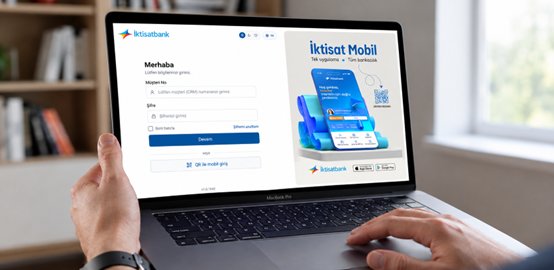
İktisatbank Internet Banking Password
Access North Cyprus’s most advanced internet banking services 24/7, wherever you happen to be. Once you have your İktisatbank Internet Banking password, log in to handle all your banking transactions with exclusive digital rates. Follow the steps below to get your password and start using İktisatbank Internet Banking.
How to Get an Internet Banking Password?
- Call Telephone Banking: Call Phone Banking at +90 (392) 444-4444 and request your Internet Banking password from our customer representative.
- Password via SMS: Your Internet Banking password will be sent via SMS to the mobile number registered in our system.
- Log In: Start using Internet Banking immediately by logging in with your Customer Number (CRM) and password.
Not a Customer Yet?
If you are not yet an İktisatbank customer, we invite you to register at your nearest İktisatbank branches so that you can enjoy North Cyprus's most advanced internet banking services 24/7, from anywhere in the world. Once your registration is complete, you can use Internet Banking whenever you need it.
Detailed Information and Support
For any questions or support, you can reach our customer service through Telephone Banking at +90(392)444-4444. Our professional team is always here to assist you!