Internet Banking
Fast, Effortless and Secure Transactions with Iktisatbank Internet Banking
As the bank of many firsts, Iktisatbank has been offering Internet Banking services since 2004 to provide our individual and corporate customers with a fast, secure and convenient banking experience.
Closely following developments in the digital world, Kıbrıs Iktisat Bankası Ltd. applies the latest technological innovations to offer reliable and user-friendly digital banking services for all your needs. All that remains for our customers is to enjoy the time they save.
What Is Internet Banking?
Internet Banking is a digital banking service that allows you to perform your banking transactions quickly and easily from anywhere with internet access, 24/7. With just a few clicks, you can carry out various banking services such as money transfers, bill payments, and foreign exchange and precious metals trading.
How Can I Start Using It?
Our customers do not need to visit a branch to register for Internet Banking; they can call Telephone Banking at +90(392)444-4444 and then start using Internet Banking.
If you are not our customer yet, we invite you to visit the nearest Iktisatbank branch to start using Internet Banking.
How Can I Log In?
To log in to Internet Banking, simply follow these steps:
- Click the LOGIN button in the top-right corner of the website,
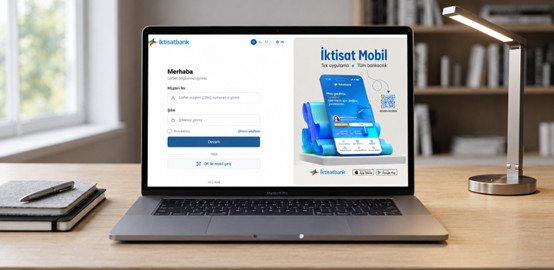
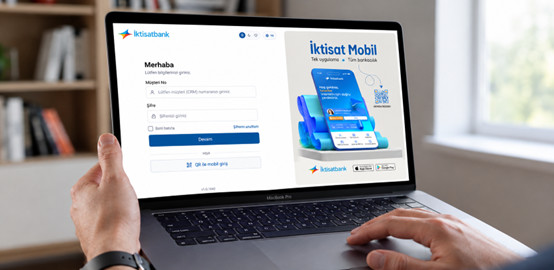
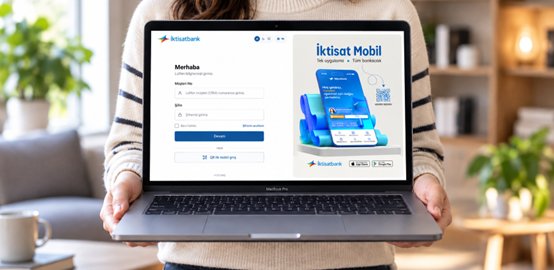
- Enter your customer number (CRM) and password on the screen that opens,
- Type the one-time security password that is sent via SMS to your registered mobile phone.
What Transactions Can I Perform?
Thanks to its advanced menu structure, Internet Banking allows you to:
- Open term deposit and demand deposit accounts; track the balances and past transactions of all your Iktisatbank accounts and cards, and pay your debts,
- Make domestic and international money transfers,
- Invest in foreign exchange, term deposits and precious metals,
- View your loan repayment plan, make payments and calculate your loan installments,
- Pay your bills and set up automatic payment instructions,
- Carry out many other transactions, including cheque transactions,
without needing to visit our branches.
All Transactions: To learn about all transactions you can perform using Iktisatbank İnternet Banking, please click here.
What Should I Do If I Forget My Password?
If you forget your password, use the "Forgot my password" option to:
- Fill in the required information,
- Receive your password reset code on your registered mobile phone number,
- Create a new password,
- Log in using your Customer Number (CRM) and new password to continue your banking transactions.
For any questions or support, you can contact Telephone Banking customer services at +90(392)444-4444.
How Can I Update My Password?
After logging in to Internet Banking, you can change your password using the Settings → Password menu.
Features That Set the Iktisatbank Internet Banking Apart From Others
Exclusive Control for Personal and Corporate Accounts
Our personal customers can create joint accounts and authorize designated individuals to monitor their joint accounts. Similarly, our corporate customers can manage their company’s cash flow and payment processes centrally through İktisatbank Internet Banking. You can assign different authorization levels and transaction limits to your employees based on your company’s organizational structure, giving you full control over who can perform which transactions. This allows your finance team to operate independently within their designated areas of authority, while you retain overall control of your company’s financial operations.
- View-Only Access: Users with this authorization cannot perform any transactions, but they can view all financial information related to your joint account or company in detail.
- Full Access: Users with full authorization can perform all transactions on the company’s accounts.
- Compatible Interface: Iktisatbank Internet Banking has been designed to work seamlessly across all major web browsers. This allows you to carry out all your banking transactions quickly and easily using the browser you are most familiar with.
- Remember Me & QR Login: By selecting the Remember me option on the login screen, you can log in quickly using only your password without having to enter your customer number each time. You can also use the QR Login option to securely access Internet Banking on shared computers. Simply open the QR Transactions menu on the login screen of the Iktisatbank Mobile Banking app and scan the QR code displayed on the Internet Banking screen.
- Card PIN Renewal: Set a new PIN for your credit or debit card and continue your card transactions securely.
- Instant Card Controls: Place transaction restrictions on your credit card or temporarily disable it whenever necessary.
Transfers and Payments
- 24/7 Domestic EÖS Support: Send money to all banks in Cyprus at any time of day, including weekends and nights, through EÖS (Electronic Payment System).
- International Transfers: Make TL and foreign currency transfers to Türkiye through EFT, and international foreign currency transfers through SWIFT.
- Repeat Previous Transfers: View your previous transfers and repeat them without re-entering the amount and recipient information.
- Save Frequent Recipients: Add people you regularly send money to as saved recipients and avoid re-entering their account details next time.
- Saved Transfer Recipient: Save a recipient for money transfers and make quick transfers to the same recipient whenever you wish.
- Credit Card Payment (Cardplus): Send money from your account to all Cardplus credit cards.
- Automatic Payment Tracking: View your automatic payment instructions and past bill payments on a single screen.
Account and Card Management
- Account Linking for ATM Transactions: Link the account you want to your card and withdraw or deposit money directly from the linked account at ATMs.
- Post-Purchase Installments: Divide a credit card purchase made in a single payment into as many installments as you wish afterward.
- Automatic Card Debt Payment: Set up an instruction so that your credit card debt is automatically debited from your account on the due date.
- Supplementary Card Limit Adjustment: Increase or decrease your supplementary credit card limit according to your needs.
Foreign Exchange and Investment Transactions
- Foreign Exchange Transactions: Buy and sell foreign currency, trade between currency pairs, calculate foreign exchange transactions, and track your transactions.
- Precious Metals Transactions: Buy and sell precious metals, follow current prices, and transfer precious metals to other accounts held with Iktisatbank.
- Securities Portfolio Tracking: Track the securities you own on a single screen.
Equipped with the most advanced technology in Northern Cyprus, Iktisatbank Internet Banking offers you an exceptional experience with its superior features and free banking transactions. Start using it today and feel the difference!